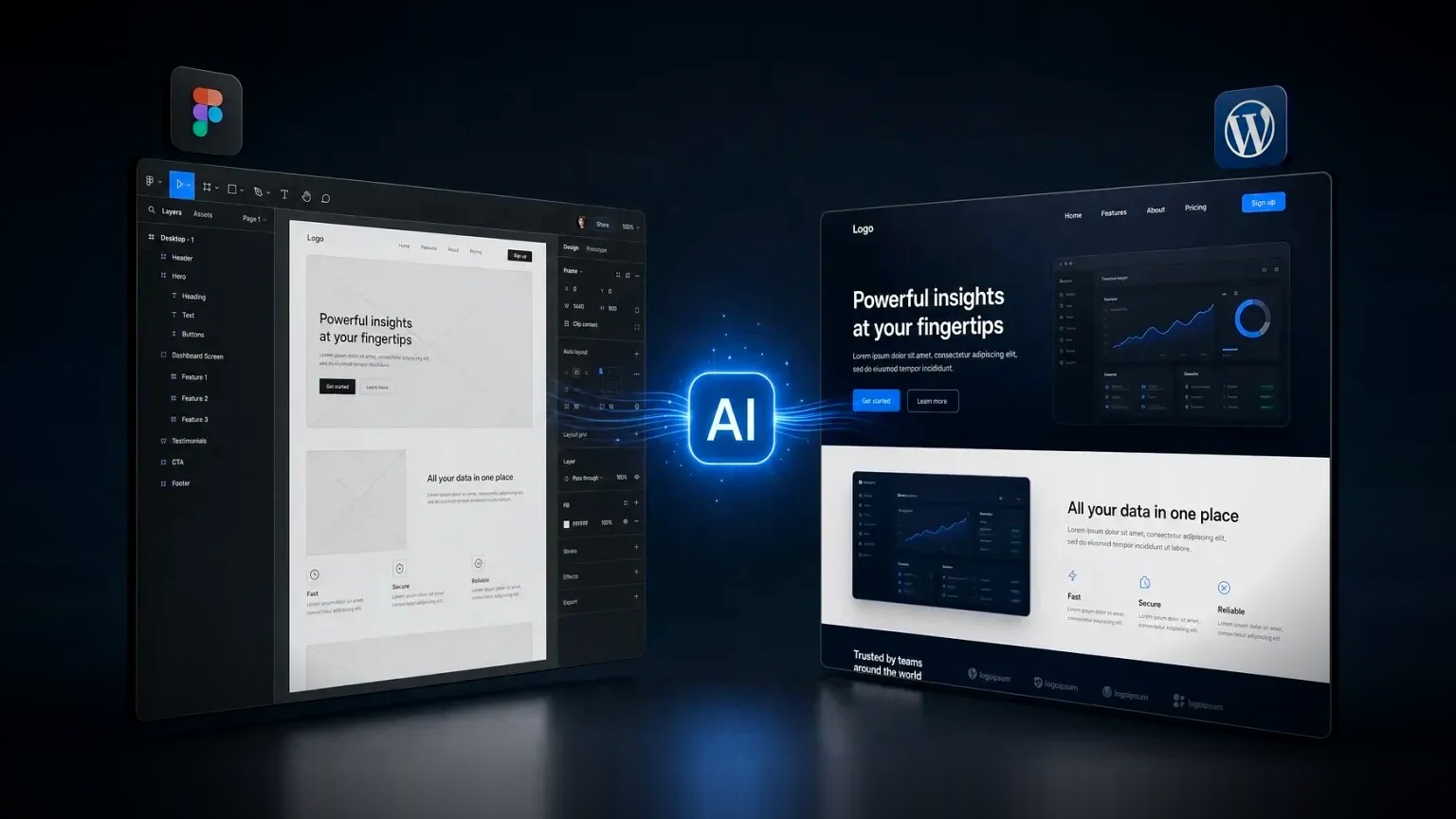
Converting Figma to WordPress means turning a static design file into a working, editable WordPress site, and AI has changed how that job is done. Artificial intelligence now handles the repetitive half, the first-pass markup, structure and styling, while a developer handles the judgment that decides whether the result is fast, accessible and easy to edit.
Figma to WordPress conversion is the process of rebuilding a Figma design as a functioning WordPress site, with real templates, editable content and responsive layouts. AI-assisted conversion uses tools such as large language models to generate the first-pass code, which a developer then refines for semantics, performance and maintainability.
Where AI genuinely helps, and where a developer still decides:
- AI does well: turning a layout into first-pass HTML and CSS, scaffolding repetitive components, and writing boilerplate.
- AI does poorly: semantic structure, accessibility, performance budgets, and making the site genuinely editable in WordPress.
- The workflow: design in Figma, generate a first pass with AI, then refactor into clean, editable WordPress templates by hand.
What does converting Figma to WordPress actually involve?
Converting Figma to WordPress involves rebuilding a static design as dynamic WordPress templates, not simply exporting code. A Figma file is a picture; WordPress is a content management system, so the design has to become a header, a footer and page templates, with every piece of text and every image mapped to a field that a non-technical person can edit later.
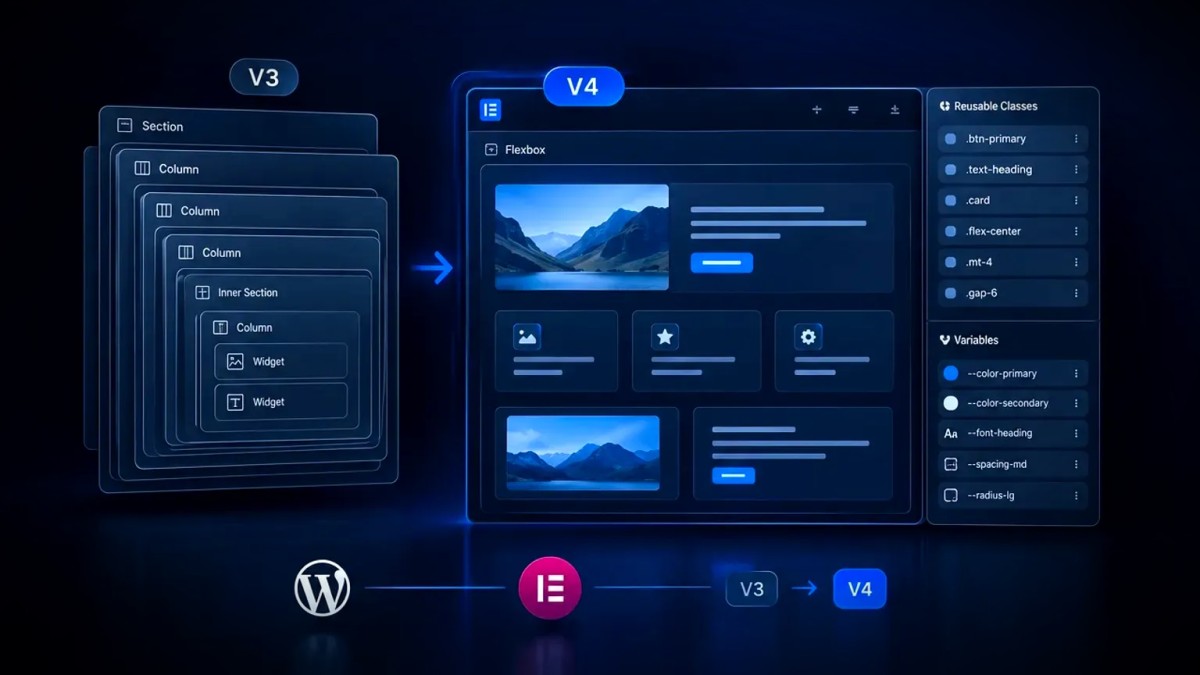
That rebuild has four parts. The layout becomes responsive HTML and CSS that holds up from mobile to desktop. The repeating pieces, buttons, cards, sections, become reusable components, whether in Elementor Pro, the block editor or a custom theme. The content becomes editable fields rather than hard-coded text. And the whole thing is wired into WordPress so the client can publish and update without a developer. Skipping the last two parts is what produces a site that looks right but nobody can maintain. It is also why a Figma file built on a proper component system, with reusable buttons, cards and text styles, converts far more cleanly than a set of one-off frames: structure in the design becomes structure in the build.
How does AI speed up Figma to WordPress conversion?
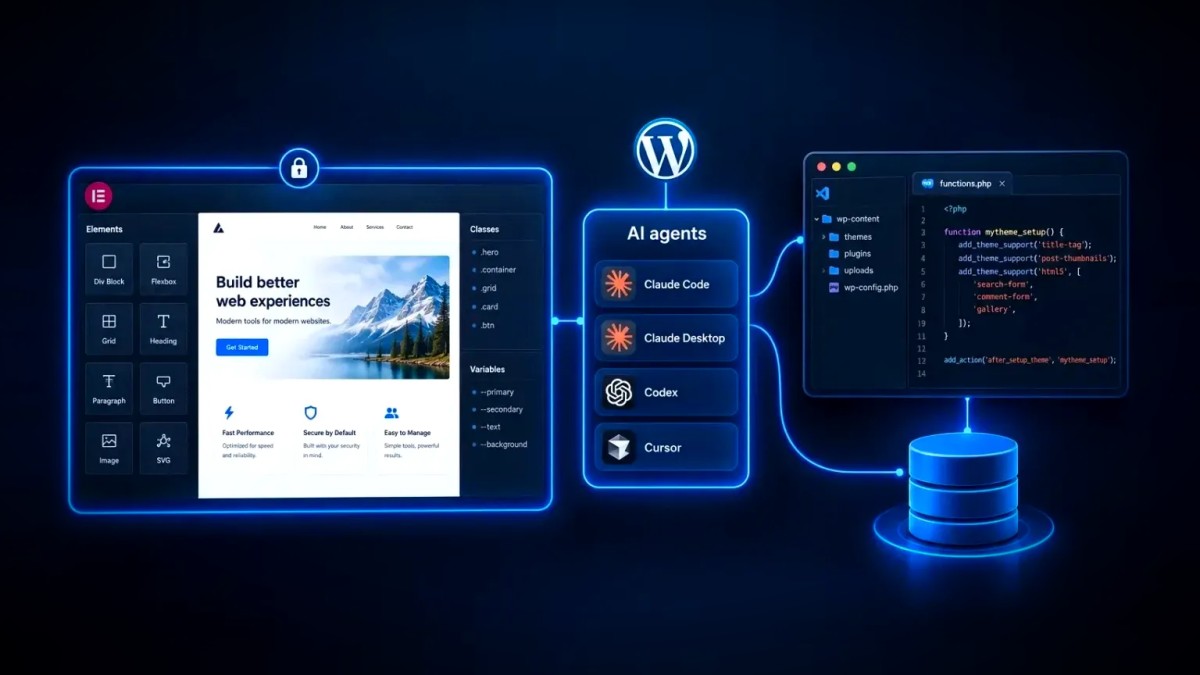
AI speeds up Figma to WordPress conversion by generating the first-pass code from a design in minutes, compressing the slowest, most mechanical stage of the build. A large language model can take a layout or a screenshot and return structured HTML and CSS, scaffold a repeating component, or convert a section into markup far faster than typing it by hand.
What AI does not do is make the judgment calls. Left unchecked, AI-generated code tends to wrap everything in generic containers instead of semantic elements, inline its styles, ignore accessibility, and produce bloated CSS that hurts performance. It also has no idea which text should become an editable field. So the reliable workflow is AI first, developer second: the model produces a draft, and an experienced developer refactors it into clean, semantic, responsive templates with the content mapped to WordPress. Used this way, AI removes the tedium without lowering the quality of the finished site. In practice, that means giving the model a clear input, a Figma frame or a clean screenshot, along with a short brief on the components involved, and asking for semantic, responsive markup rather than a pixel-perfect copy. The closer the design already is to a real component system, with reusable buttons, cards and text styles, the better the first pass, and the less a developer has to unpick afterwards.
Does an AI-built WordPress site hurt SEO?
An AI-built WordPress site does not hurt SEO by itself, but the default output of most AI tools often does, which is exactly why the developer's refactor matters. Search engines and AI answer engines reward clean, semantic markup, fast loading and clear structure, and those are precisely the qualities raw AI code tends to miss unless a human puts them back.
The risks are concrete. Generic containers in place of headings and landmarks make a page harder for a search engine to understand. Inline styles and bloated CSS slow the first load and put Core Web Vitals at risk. Missing alt text and weak contrast fail accessibility, which increasingly overlaps with how a page performs in search. None of these are inevitable; they are simply what un-reviewed AI output looks like. A conversion done the right way, an AI draft followed by a developer refactor, produces a site that is clean, fast and well structured, so the use of AI stays invisible to both visitors and search engines. An AI-assisted build can rank exactly as well as a hand-coded one, because what search sees is the finished markup, not the way it was written.
Which Figma to WordPress conversion method should you choose?
The right conversion method depends on how much the build needs to be fast, cheap or high quality, and rarely all three. The table below compares the three common routes from a Figma design to a live WordPress site.
| Method | Best for | The catch |
|---|---|---|
| Hand-coding by a developer | Pixel-accurate, high-performance custom builds | The slowest and most expensive route. |
| AI-assisted, developer-led | Fast, clean builds where a developer refines the AI output | Needs an experienced developer to fix what AI gets wrong. |
| Automated Figma-to-WordPress plugins | Quick throwaway prototypes | Bloated, rigid markup that is hard to edit, optimise or maintain. |
For most real projects, the AI-assisted, developer-led route wins, because it keeps the speed of automation while a human protects the things automation gets wrong: structure, performance, accessibility and editability. Automated export plugins are tempting, but the markup they produce is usually the reason a site is slow and painful to change six months later.
Is AI-assisted Figma to WordPress faster or cheaper?
AI-assisted Figma to WordPress conversion is usually faster than hand-coding and cleaner than automated plugins, which often makes it the better value even though it still needs a developer. The saving comes from automating the slow, repetitive stages, not from removing the expertise that protects quality.
For a founder or an agency, the practical effect is a shorter timeline at the same standard of build. The design-to-first-draft stage that once took days can take hours, so more of the budget goes into the work that actually differentiates a site: structure, performance, accessibility and a genuinely editable CMS. The mistake is to expect AI to remove the developer altogether. Tools that promise a finished WordPress site from a Figma file with no human involved tend to produce exactly the bloated, un-editable output that costs more to fix than it ever saved. Faster and cheaper is real; free of judgment is not.
What are the common pitfalls of AI Figma-to-WordPress conversion?
The common pitfalls of AI Figma-to-WordPress conversion all come from trusting the machine's output as finished rather than as a first draft. AI produces code that looks correct in the browser while hiding problems that surface later as slow pages, accessibility failures and content nobody can edit.
- Shipping the AI output as-is: generic markup, inline styles and no semantic structure, which hurts SEO and accessibility.
- No editability: text and images left hard-coded instead of mapped to WordPress or Elementor fields, so the client cannot update the site.
- Bloated CSS and heavy assets: the usual cause of a slow first load and failing Core Web Vitals.
- Broken responsiveness: layouts that look right at one screen size and fall apart at others.
- Accessibility gaps: missing alt text, poor contrast and unlabelled controls that AI rarely handles on its own.
Your Figma to WordPress checklist
Before a converted site goes live, check it against these points. If it passes, AI has saved time without costing quality.
- The design is rebuilt as real WordPress templates, not exported as static code.
- Every piece of content is an editable field, so the client can update the site.
- The markup is semantic and accessible, with alt text and sensible contrast.
- The CSS is lean and the images are optimised, so the site passes Core Web Vitals.
- The layout is tested and holds up from mobile to desktop.
- A developer has reviewed and refactored the AI output, rather than shipping it unchanged.
Used with judgment, AI turns Figma to WordPress conversion from a slow, manual job into a fast one without sacrificing the structure, speed and editability that make a site worth owning. For a founder that means a pixel-accurate design delivered as a real, working site in less time and for less cost, without the technical debt that automated shortcuts leave behind. The AI writes the boring half; a developer makes sure the site is one you can actually run, edit and rank, and it underpins every Figma to WordPress build.
Frequently asked questions
Can you convert Figma to WordPress automatically?
You can partly automate Figma to WordPress conversion with AI tools and export plugins, but not reliably end to end. Automation generates a first-pass of code quickly, yet a developer still has to refactor it into semantic, responsive templates with editable content, otherwise the site is slow and hard to maintain.
Can AI convert Figma to WordPress?
AI can convert a Figma design into first-pass HTML and CSS and scaffold repeating components, which speeds up the build considerably. It does not handle semantic HTML, accessibility, performance or WordPress editability on its own, so the reliable workflow is AI first, then a developer refining the output. If you have a Figma file ready to build, get in touch.
Is AI-generated WordPress code good enough to ship?
AI-generated WordPress code is a strong starting point but rarely good enough to ship unchanged. It tends to use generic markup, inline styles and bloated CSS, and it ignores accessibility and editability. Treat it as a first draft that a developer reviews and refactors before the site goes live.
How long does it take to convert Figma to WordPress?
A Figma to WordPress conversion typically takes from a few days to a few weeks, depending on the number of templates, the complexity of the design and how much needs to be editable. An AI-assisted, developer-led workflow shortens the mechanical stages while keeping quality control on the parts that matter.
Should you use Figma to WordPress or Figma to Elementor?
Figma to Elementor is one way to do Figma to WordPress: Elementor Pro gives non-technical people a visual way to edit the site after launch. If editing flexibility matters, an Elementor build is often the practical choice; if raw performance is the priority, a custom or headless build can be leaner.